Memberships & Courses

How to Sell Courses to Your GoHighLevel Community

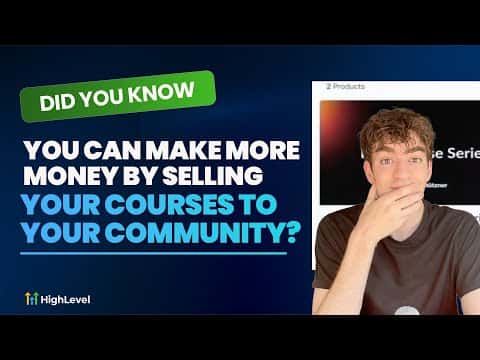
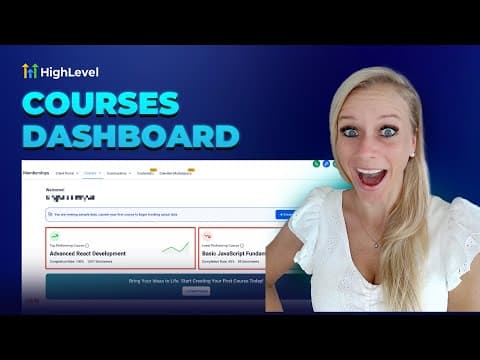
GoHighLevel lets you build a course and sell it directly inside your community group, so members can buy without leaving the platform. Create the community under Memberships, connect a payment gateway under Payments, build the course under Products, then go to your community's Learnings tab and click Add Course. Set a price, choose one-time or recurring, and the course appears with a buy button for every member.

Atualizado em 2 de junho de 2026

2:30

Resumo. Coaches, consultants, and course creators can monetize their GoHighLevel community by attaching paid courses directly to the group. The process involves connecting a payment provider, building a course product, and then listing it inside the community with a price. Members see a buy button inside the community itself, eliminating the need for a separate checkout page or external course platform.
Perguntas frequentes

Do I need a separate payment tool to sell courses in GoHighLevel?

No. Connect your payment gateway under Payments, Integrations, and GoHighLevel handles checkout.

Can I import a course from Kajabi into GoHighLevel?

Yes. When creating a new product under Memberships, Courses, use the Import from Kajabi option.

Can I offer a subscription instead of a one-time purchase?

Yes. When adding the course to your community, choose recurring or one-time and set the price.

Crie com quem já criou.

Entre na comunidade gratuita: lives semanais, um curso para começar e criadores no seu idioma.

Entre de graça no Skool