 8:48
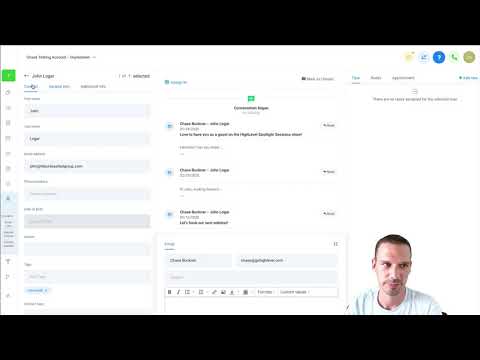
8:48Resumo. GoHighLevel custom fields extend the standard contact record with whatever data your business actually needs. You can create fields of many types, including single line text, dropdowns, checkboxes, date pickers, file uploads, and signatures, and group them in folders that appear as organized sections on each contact profile. Once created, the same field is reusable in forms, surveys, websites, and workflow automations, so data collected anywhere flows into the right place on the contact record automatically.
O que você vai aprender
- Understand the difference between custom fields and custom values
- Create a custom field from within a form or directly in Settings
- Choose the right field type for the data you want to collect
- Organize fields into folders that appear as sections on contact profiles
- Add a custom field to a GoHighLevel form or survey
- Reference custom field data in automations using the unique field key
Passos
Decide Where to Create the Field
You can add a custom field from inside a form by clicking the plus button and selecting Custom Fields, or you can go directly to Settings and then Custom Fields for a broader management view.
Click Add Custom Field
In Settings, click Add a Custom Field. A panel opens showing all available field types.
Select the Right Field Type
Single Line works for short text like a username. Multiple Line handles longer entries like notes. Dropdown Single and Dropdown Multiple let contacts pick from a list. Date Picker captures dates. File Upload collects documents. Choose the type that matches what you will store.
Name the Field and Assign a Folder
Give the field a clear name. Set the Object to Contact or Opportunity depending on where the data belongs. Pick a folder from the Group dropdown to keep related fields together on the contact profile. Create a new folder first in Settings if the right one does not exist yet.
Set a Placeholder or Prefill Value if Needed
A placeholder is the faint hint text shown inside the field on a form. A prefill value populates the field automatically when the form loads, useful for tracking campaign sources.
Save and Add to a Form
Click Save. If you started from inside a form editor, the new field is immediately available to drag onto the form. If you started in Settings, go to your form, click Custom Fields in the left panel, and add it from there.
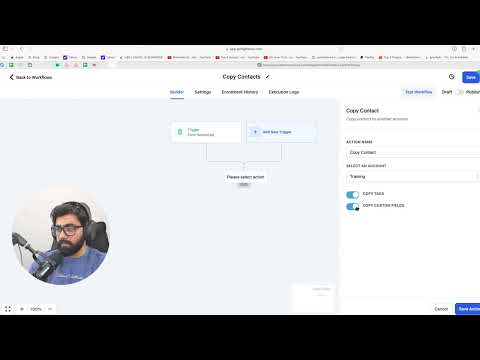
Use the Field Key in Automations
Each custom field has a unique key visible in the Settings panel. Copy that key and paste it into workflow actions where you need to read or write this field automatically.
Edit or Delete Fields in Settings
Return to Settings, Custom Fields any time to rename, reorganize, or remove fields. Changes apply across the whole sub-account.
Dicas
- Group related fields under a folder named after a lifecycle stage or campaign so the contact profile stays readable.
- Use the Number field type only when you need purely numeric data. If the value might ever include letters or symbols, use Single Line instead.
- The unique key on each field is what automations use to read or update the value programmatically, so name fields clearly from the start.