Nesta página
What you get
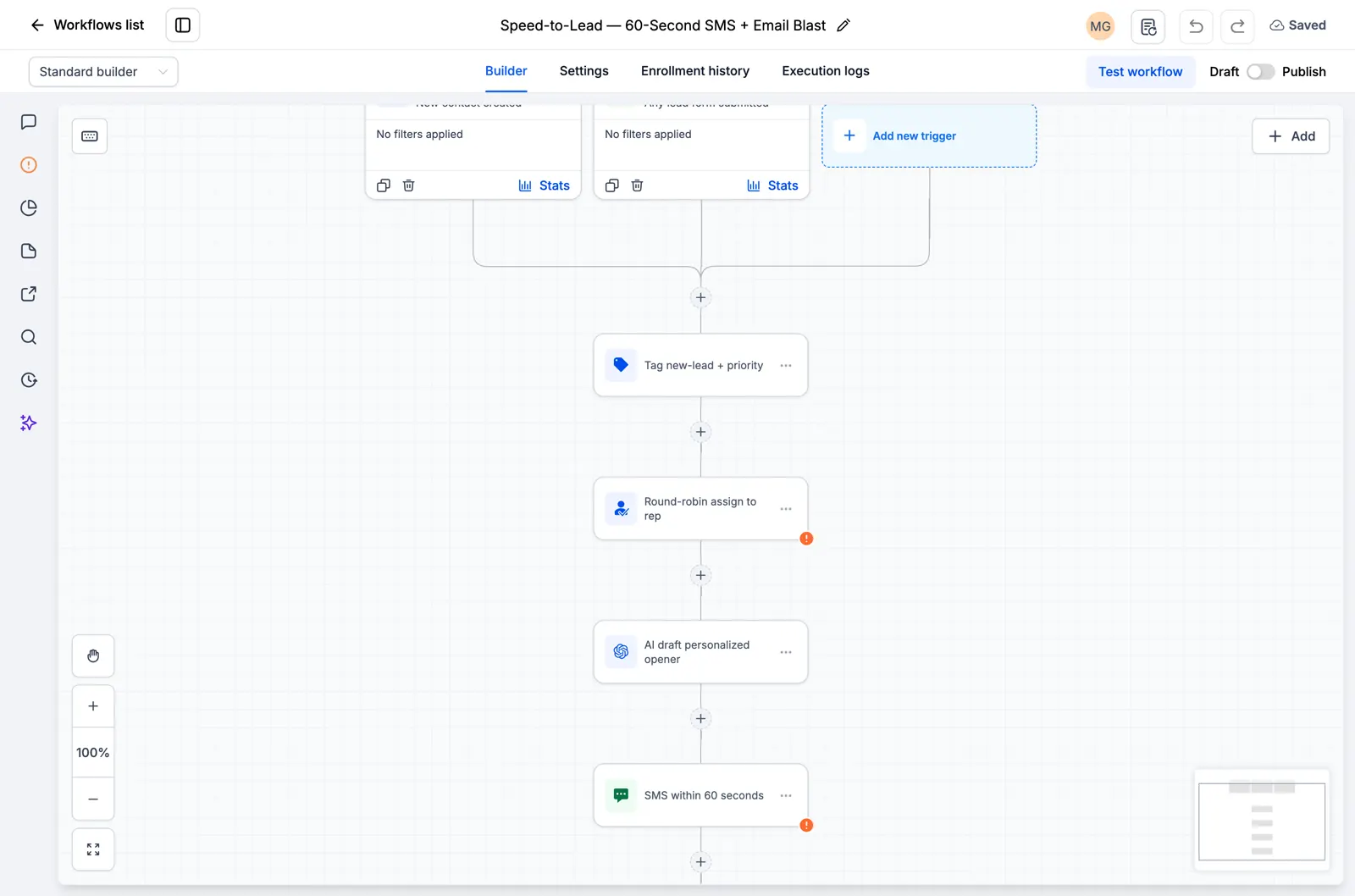
Four workflow drafts, organized in a dedicated Roofing folder. Each workflow has a trigger, conditional paths and a manual fallback.
Explore the four workflows
Roofing · 01 · Enquiry routing
Give each new enquiry the right next step: a priority handoff, a permitted email response or a manual follow-up.
- Starts when: Tag added: rlu-roofing-enquiry.
- Saved action steps: 8.
- Conditional paths: 3.
Roofing · 02 · Decision follow-up
Follow up after a proposal without chasing someone who has already replied or made a decision.
- Starts when: Tag added: rlu-roofing-quote-sent.
- Saved action steps: 8.
- Conditional paths: 3.
Roofing · 03 · Missed appointment recovery
Help a missed appointment become a new booking, with separate paths for contacts who have already rebooked.
- Starts when: Tag added: rlu-roofing-inspection-missed.
- Saved action steps: 8.
- Conditional paths: 3.
Roofing · 04 · After-service check-in
Check in after the service and invite eligible customers to leave an honest review, with a manual fallback.
- Starts when: Tag added: rlu-roofing-completed.
- Saved action steps: 7.
- Conditional paths: 3.
How the enquiry handoff works
Call to assess urgency and safe access. Never promise crew availability. Ask for photos only from a safe position.
What you need to connect
- Set sender_signature and review_url custom values.
- Connect the email sender and verify domain authentication.
- Map form, calendar and pipeline events to the documented trigger tags.
- Maintain won, lost, replied, rebooked, cancelled and do-not-contact tags from your booking and inbox processes.
- Record email permission explicitly. Check every branch with test contacts before publishing.
What is outside this pack
This pack contains workflows. It does not include a website, funnel, calendar, phone number, sending domain, paid AI usage or external integrations. Connect those to your own account where needed.
Before you activate it
- Import into an empty test sub-account and confirm all four workflows and their triggers.
- Try a priority enquiry, a permitted email contact and a contact who needs manual follow-up.
- Try won, lost, replied, rebooked, cancelled and restricted-contact scenarios.
- Check that the correct paths run and that no unwanted message is sent.
- Review your sender details, consent rules and message copy before publishing.
Get access when the pack is ready
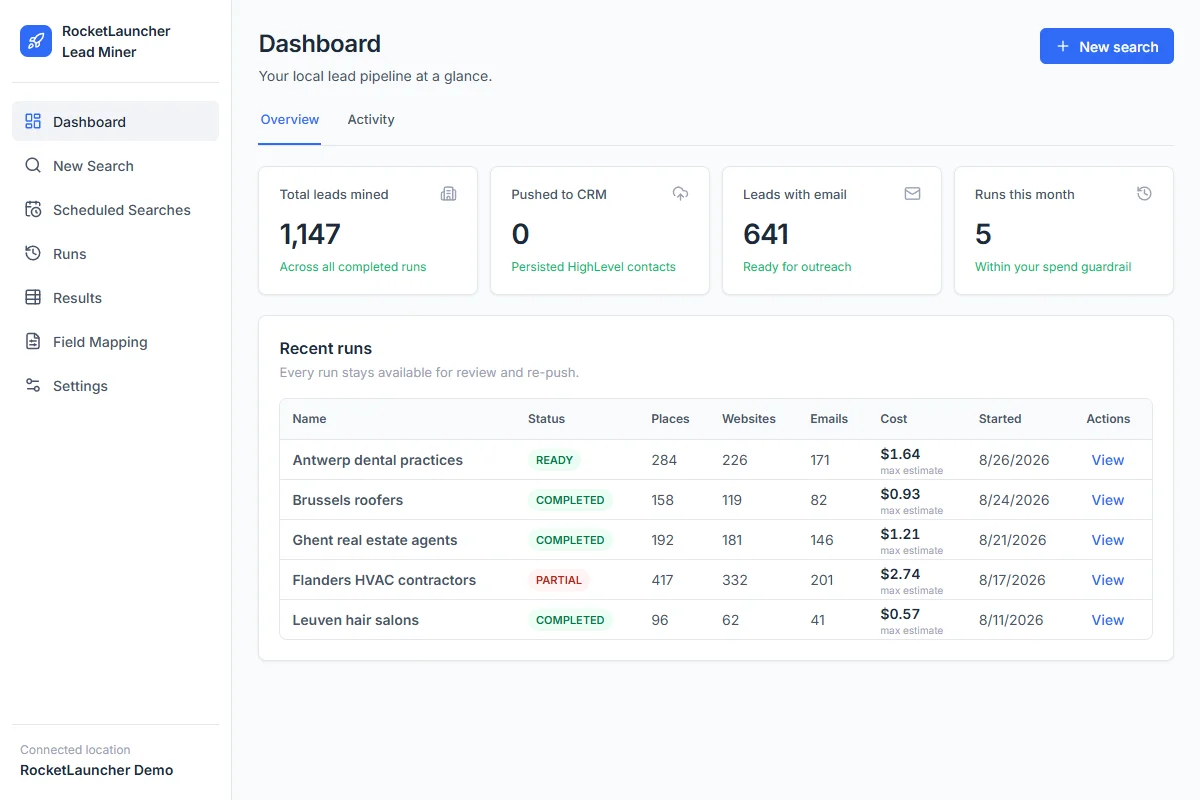
Start GoHighLevel through our link to get the snapshot library, workflows, LeadMiner, CopyCat and other RocketLauncher tools at no extra cost. Then join the community to request access. GoHighLevel subscription and usage charges are separate. This preview is not yet a tested download.
Start GoHighLevel + get the free bundle
Link de afiliado: ganhamos uma comissão se você assinar.