GoHighLevel workflow

7-Touch "No Response Yet" Sequence

Send a text message. Wait before the next step. Send an email. Includes conditional routing.

  • 読了目安 2 分
  • 5 セクション
  • 2026年10月14日に更新
このページの内容

What starts this workflow?

Tag added: nurture-start.

The workflow, step by step

The table shows the saved connections. Branches are alternative paths, not a single sequence that every contact follows.

StepActionWhat it doesNext step
1EngagedRoute by a conditionTouch 1 · Soft reminder
2Touch 1 · Soft reminderSend a text messageWait 2 days
3Wait 2 daysWait before the next stepTouch 2 · Value reminder
4Touch 2 · Value reminderSend an emailWait 3 days
5Wait 3 daysWait before the next stepTouch 3 · One clear question
6Touch 3 · One clear questionSend a text messageWait 4 days
7Wait 4 daysWait before the next stepTouch 4 · Proof + low-friction CTA
8Touch 4 · Proof + low-friction CTASend an emailWait 5 days
9Wait 5 daysWait before the next stepTouch 5 · Permission to close the loop
10Touch 5 · Permission to close the loopSend a text messageWait 5 days
11Wait 5 daysWait before the next stepTouch 6 · Final email
12Touch 6 · Final emailSend an emailWait 4 days
13Wait 4 daysWait before the next stepTouch 7 · Flag for human breakup call
14Touch 7 · Flag for human breakup callNotify the teamTag dormant
15Tag dormantAdd a contact tagRemove nurture-start
16Remove nurture-startRemove a contact tagEnd of this path

How the branches work

Engaged

  • Engaged.
  • Otherwise: No response.

The labels above come from the saved builder. Review the actual condition values in your own account before activation.

Connect it to your business

  1. Import into a test sub-account and keep the workflow unpublished.
  2. Connect the trigger to your actual form, calendar, pipeline or contact tag.
  3. Review the messages and replace all business, booking and review placeholders.
  4. Connect any sender, phone number, team member or external integration used by the steps.
  5. Test each branch, replies, contact restrictions and repeat enrollment with contacts you control.

Get the library

Start GoHighLevel through the RocketLauncher partner link and join the community for snapshot access and setup help. This draft must pass its setup and execution checks before activation.

Explore the partner offer

アフィリエイトリンク:ご契約いただくと、私たちに報酬が入ります。

Join the community

30-day free trial + free RocketLauncher tools

Try GoHighLevel for 30 days. Get these tools free.

Sign up through our link for a 30-day GoHighLevel free trial. Your snapshot library, LeadMiner, CopyCat and the other RocketLauncher tools shown here are included free.

30 days to try GoHighLevel. All these tools free.

Start my 30-day free trial

Use our link to get the trial and free tools. Your GoHighLevel subscription is paid after the trial; sending costs and paid third-party services are separate.

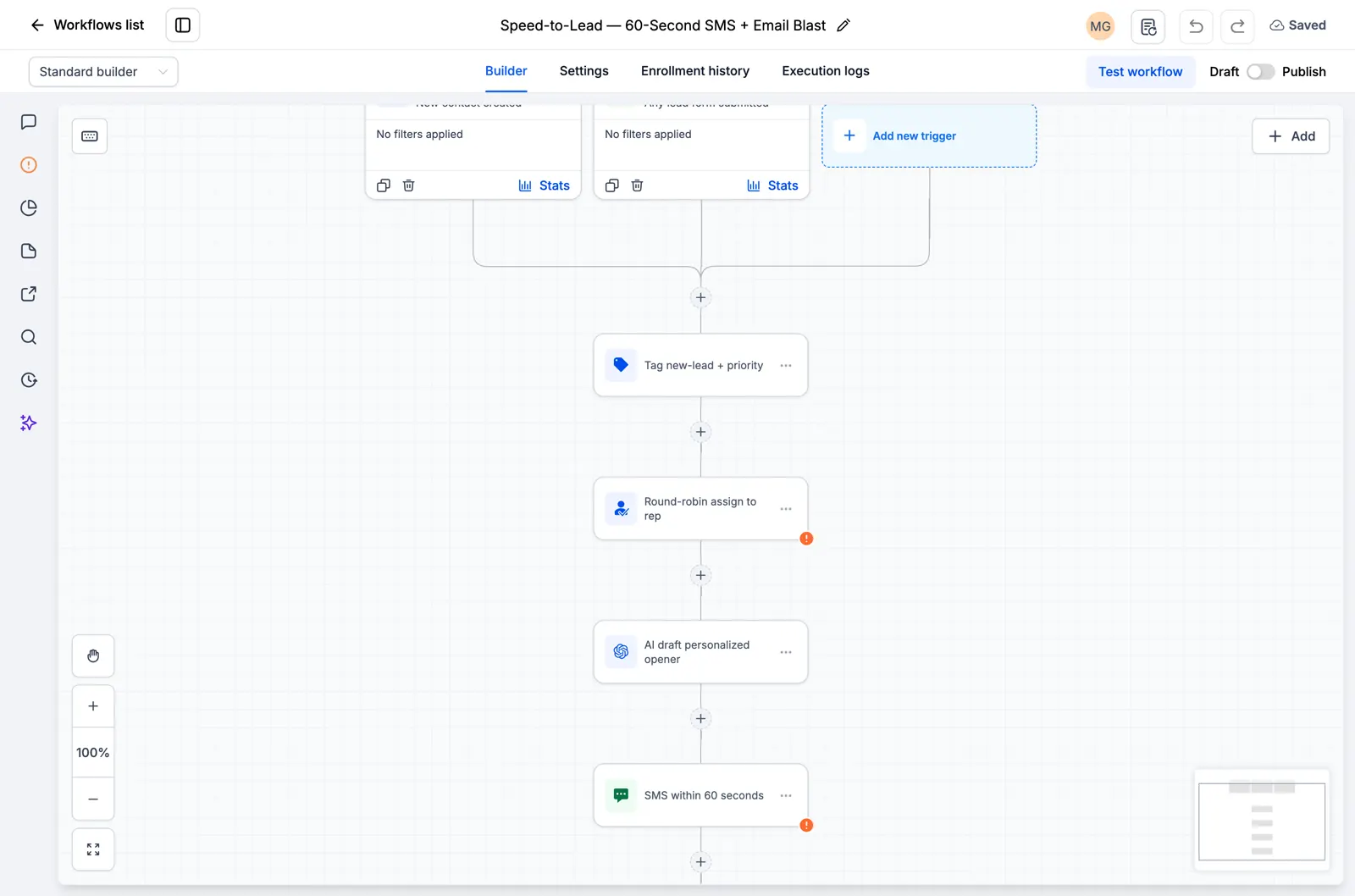
  • GoHighLevel workflow showing lead assignment and an SMS follow-up step
    Inside a saved GoHighLevel workflow

    Snapshots + workflows

    Set up your follow-up faster

    Import ready-made GoHighLevel setups for enquiries, appointment reminders and follow-up. Add your business details and test before switching them on.

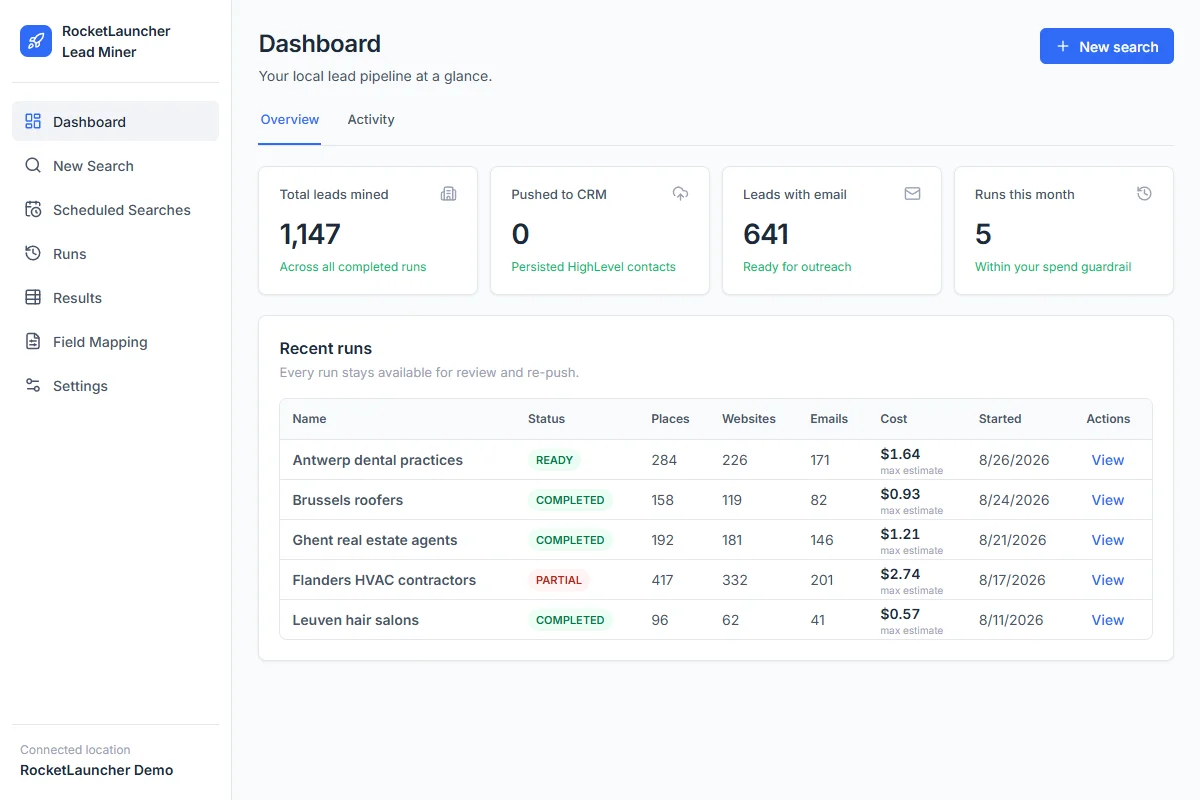
  • RocketLauncher Lead Miner demo dashboard showing local business searches and lead counts
    LeadMiner workspace · Demo data

    LeadMiner

    Find businesses you can sell to

    Search for local businesses on Google Maps, review their websites and contact details, then send selected leads to GoHighLevel. For example: find roofers who could use your services.

  • Copy Cat GHL product image: copy GoHighLevel websites and funnels
    CopyCat for GoHighLevel

    CopyCat

    Copy a page. Make it your own.

    Copy a GoHighLevel website or funnel into your own account. Change the logo, images and text for your business or client. Use pages you own or have permission to reuse.

  • Plus tutorials, community help and more RocketLauncher tools

    Get help setting up the tools and putting your chosen snapshot to work.

Get the bundle in 3 steps

  1. 1.Start your 30-day free trial

    Use our GoHighLevel link above to get the 30-day trial and qualify for all the free tools shown here.

  2. 2.Request your access

    Join the RocketLauncher community and ask for your bundle access after signing up through our link.

  3. 3.Choose a snapshot and install

    Get the import link for an available snapshot. Import it into your GoHighLevel account, add your business details and test before activating.

Already started through our link? Claim access

Preview packs are still being prepared and are not ready to install. Check each pack's status before choosing.

Partner link: we earn a commission if you subscribe, at no extra cost to you.