 1:03
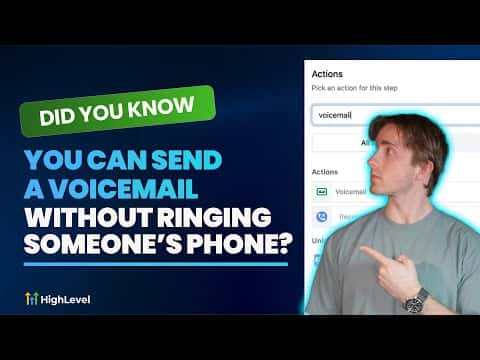
1:03概要. The Voicemail action in GoHighLevel workflows lets you send a pre-recorded audio message to a contact's voicemail without placing a live call. You upload an MP3 or WAV file, preview it inside the workflow, then publish so the drop fires automatically based on any trigger you choose. It is a practical way to follow up with contacts at scale while keeping the experience personal.
学べること
- Understand what a voicemail drop is and why it skips the ring
- Locate the Voicemail action inside GoHighLevel workflows
- Upload and preview an audio file before going live
- Attach the right trigger so the drop fires at the right moment
- Add voicemail drops to a sales or nurture sequence
ステップ
Open a sub-account and go to Automations
Inside the GoHighLevel sub-account you want to use, navigate to Automations in the left sidebar. Create a new workflow or open an existing one.
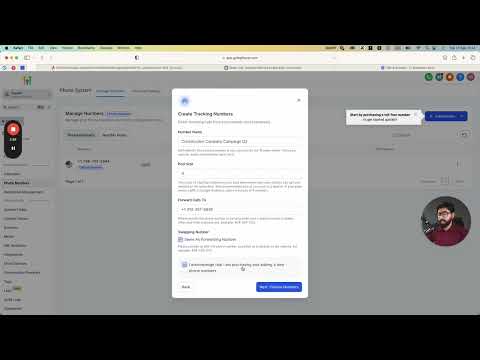
Make sure a phone number is purchased
Voicemail drops require an active phone number in the sub-account. Go to Settings, then Phone Numbers, and confirm at least one number is listed. If not, purchase one before continuing.
Add the Voicemail action
Inside the workflow, click the plus icon to add a new action. Search for or scroll to the Voicemail option and select it.
Upload your audio file
Click the upload button inside the Voicemail action and choose your pre-recorded MP3 or WAV file. After it uploads, use the built-in player to confirm it sounds right.
Save the action and add a trigger
Click Save on the action, then set up a trigger for the workflow. Common choices include a new contact being created, a tag being added, or a form submission.
Publish the workflow
Toggle the workflow from draft to published. From this point on, any contact who hits the trigger will receive the voicemail drop without their phone ringing.
ヒント
- Keep the recording under 30 seconds. Longer messages see lower listen-through rates.
- Record in a quiet room and test the audio on your own number before publishing.
- Combine the voicemail drop with an SMS follow-up in the same workflow to reach contacts on two channels.