
Payments & Invoicing

How to Connect Square Payment Processor to GoHighLevel

GoHighLevel supports Square as a payment processor alongside Stripe. To activate it, create a Square account, then go to Payments, Integrations inside your sub-account and click Connect under the Square section. The setup wizard walks you through authorizing the connection in live or sandbox mode. Once connected, Square works with order forms, invoices, funnels, e-commerce stores, payment links, and membership sites.

2026年6月2日に更新

2:24

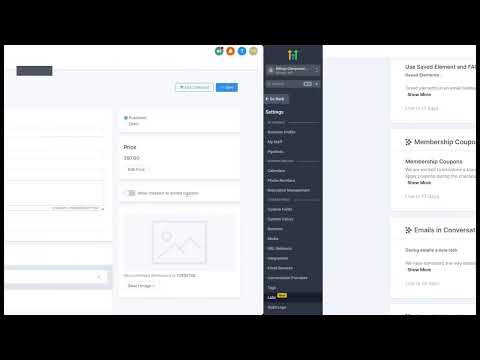
概要. Square is a native payment integration inside GoHighLevel, giving businesses an alternative to Stripe for collecting one-time and recurring payments. This overview covers Square's processing rates for in-person, online, and manually entered transactions, the steps to register with Square and connect the account to GoHighLevel through the Integrations settings, and the payment channels where Square works once it is active.

よくある質問

Where do I connect Square in GoHighLevel?

Payments, then Integrations, then click Connect under Square.

Does Square support recurring payments in GoHighLevel?

Yes. Square supports both one-time and recurring payment collection.

Which GoHighLevel features work with Square?

Order forms, invoices, funnels, e-commerce stores, payment links, and memberships.

すでに作った人たちと、一緒に作ろう。

無料コミュニティに参加しましょう。毎週のライブ通話、最初に見るコース、あなたの言語のビルダーがいます。

Skoolに無料で参加