Getting Started & General

How to Build Effective AI Knowledge Bases in GoHighLevel

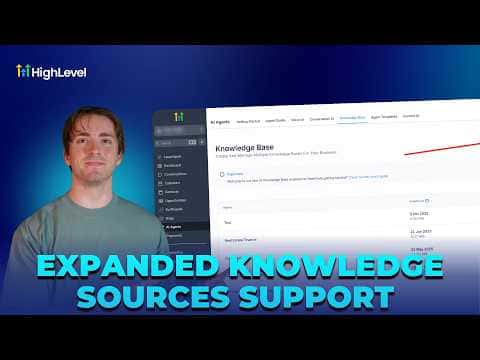
GoHighLevel's AI agents become significantly more accurate when you feed them well-structured knowledge from multiple source types: web crawl, FAQ, table (CSV), rich text, and file uploads. Using a mix of these sources gives the agent clear, chunked context to draw from, and the AI Response Info panel shows exactly which knowledge chunk produced each answer so you can debug and improve over time.

2 giugno 2026 aggiornato

4:03

Sommario. The knowledge base builder inside GoHighLevel AI Agents supports five source types, each suited to different information formats. Web crawlers pull live text from URLs; FAQ entries handle common questions directly; CSV tables give the agent structured data it can reference accurately; rich text lets you add formatted content with hierarchy; and file uploads handle PDFs and documents. The AI Response Info panel attached to any conversation thread reveals which specific chunk the agent cited, making it straightforward to spot and fix gaps in training material.
Domande che le persone fanno

Where do I add a new source to a GoHighLevel knowledge base?

Go to AI Agents, open Knowledge Bases, select a base, and click Add Source.

What is AI Response Info used for?

It shows the exact knowledge chunk the agent referenced to produce its answer.

Why use a table source instead of plain text?

Tables give the agent structured chunks, improving accuracy on data-heavy queries.

Costruiscilo con persone che lo hanno già fatto.

Unisciti alla community gratuita: chiamate live settimanali, un corso Inizia qui e builder nella tua lingua.

Iscriviti gratuitamente su Skool