
In questa pagina
What changed
The workflow builder gained several AI capabilities that add intelligence to automations without complex conditional logic:
- Workflow AI. Describe a step in plain language and GoHighLevel generates the matching workflow actions. Useful for builders who want to move fast or do not know every action type.
- AI scoring. An action that reads contact data and conversation history and assigns a numeric lead score. Use the score in branches to route high-intent leads differently.
- AI reply. An action that drafts and sends a message based on the contact's last message and your knowledge base. It can run on autopilot (sends at once) or leave a draft for manual review.
- AI data extraction. Pulls structured fields from free text, such as form answers, call transcripts or SMS replies, and fills contact fields automatically.
This is a general summary. For exact build numbers and release dates, check the official changelog in your GoHighLevel account.
October 19, 2026: workflow API endpoints
The official HighLevel API changelog records new workflow endpoints on October 19, 2026. They cover creation, reading and updating definitions, definition validation, step-type discovery, logs and status changes.
For an integration builder, a useful starting point is to inspect a workflow definition and its logs, then validate a proposed definition before considering an update. Check each endpoint's current authentication and schema requirements. API availability does not establish that the same actions are exposed by the official MCP server.
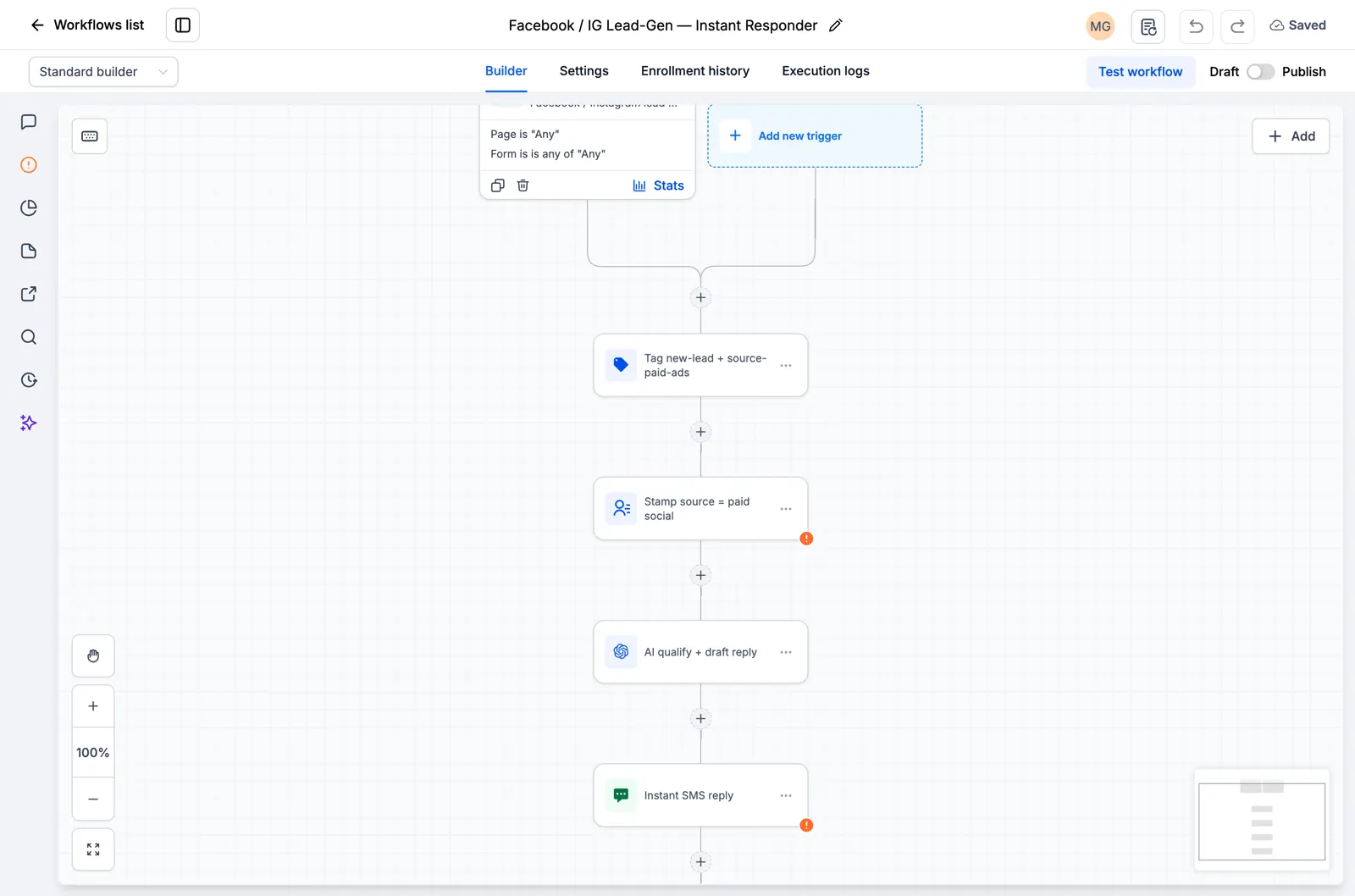
*An existing workflow canvas from our snapshot walkthrough. It illustrates the kind of workflow being managed, not the new API or its response.*
This API addition is separate from the AI builder features above. We have not run these new endpoints against an account for this article.
Who this affects
- Agencies building automations for clients. Workflow AI speeds up complex sequences, and AI scoring gives clients smarter lead routing without manual setup.
- Businesses with high inbound message volume. AI reply can handle routine questions, so only edge cases reach your team.
- Anyone processing form or survey data. AI data extraction turns open answers into structured fields, which helps intake forms, application funnels and survey follow-ups.
What to do next
Open an existing workflow in GoHighLevel and look at the available action types. The AI actions are grouped together. Try Workflow AI by describing a step you have been meaning to build and see what it generates.
For a practical walkthrough, see the Workflow AI natural language automations playbook. The workflow glossary entry explains the basics if you are new to workflows.