Funnels & Websites

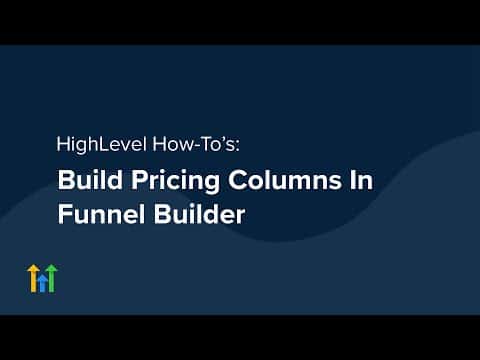
How to Build Pricing Columns in GoHighLevel Funnel Builder

GoHighLevel's funnel builder includes column layout tools that let you create side-by-side pricing tiers on a single page. You set up a multi-column section, add a pricing block or card structure to each column, style the buttons to link to your checkout or order form, and publish. No external page builder or plugin needed.

Aktualisiert 2. Juni 2026

7:55

Zusammenfassung. This tutorial covers building a pricing column layout inside the GoHighLevel funnel builder, including setting up a multi-column section, adding plan details and pricing to each column, and connecting buttons to the appropriate checkout step.


Fragen, die Menschen stellen

How many pricing columns can I add in GoHighLevel?

GoHighLevel supports up to four columns in a single section row.

Can I highlight one pricing tier as recommended?

Yes, change the background color or add a badge element to make one column stand out.

Do pricing column buttons connect to the GoHighLevel order form?

Yes, set the button action to open a pop-up or link to the order form step.

Bauen Sie es mit Leuten auf, die es bereits getan haben.

Treten Sie der kostenlosen Community bei: wöchentliche Live-Anrufe, ein Start-hier-Kurs und Builder in Ihrer Sprache.

Kostenlos anmelden unter Skool