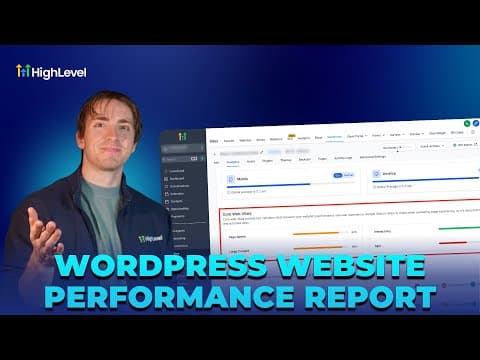
Funnels & Websites

How to Analyze Funnel and Website Traffic by Country in GoHighLevel

GoHighLevel's analytics section includes a country-level breakdown of your funnel and website visitors, displayed as a heat map and a ranked list. This lets you see where your traffic comes from so you can tailor offers, languages, or ad targeting to the regions sending the most visitors.

Aktualisiert 2. Juni 2026

2:58

Zusammenfassung. The geographic traffic report in GoHighLevel shows visitor totals by country for any funnel, website, form, or survey. A color-coded world map highlights the most active regions, and a sidebar list ranks countries by visit count. You can set a custom date range and switch between individual funnels or view all traffic sources at once.

Fragen, die Menschen stellen

Where do I find country traffic data in GoHighLevel?

Go to Sites, then Analytics, and scroll to the heat map section.

Can I filter country data by a specific funnel?

Yes. Use the drop-down to select a single funnel or keep it on All.

Bauen Sie es mit Leuten auf, die es bereits getan haben.

Treten Sie der kostenlosen Community bei: wöchentliche Live-Anrufe, ein Start-hier-Kurs und Builder in Ihrer Sprache.

Kostenlos anmelden unter Skool