Dieser Artikel ist derzeit auf Englisch verfügbar. Original lesen

Snapshot

Dental New Patient Snapshot: GoHighLevel Snapshot

Dental New Patient Snapshot is a niche GoHighLevel snapshot for dental practices, dental marketers, and agencies building new patient acquisition systems in GoHighLevel. It includes the core funnels, workflows, pipeline, calendar placeholders, and follow-up paths listed below. It does not include your domain, deliverability setup, branding, contacts, or live testing. Import it as a starting point and customize it before launch.

  • 2 Min. Lesezeit
  • 6-Abschnitte
  • Aktualisiert 31. Mai 2026
Auf dieser Seite

A GoHighLevel snapshot for dental offices that want a new patient funnel, recall follow-up, and review requests in one account.

This is not a promise of instant results. The snapshot gives you a working base: the funnel structure, CRM stages, and automation paths. You still need to make it sound like your business, connect your tools, and test it before real leads arrive.

Who is the Dental New Patient Snapshot best for?

Dental practices, dental marketers, and agencies building new patient acquisition systems in GoHighLevel.

What does it include?

  • New patient appointment request funnel.
  • Missed call text-back workflow for front desk overflow.
  • Recall sequence for patients who have not booked hygiene visits.
  • Treatment consult pipeline with stages for New Inquiry, Booked, Showed, Treatment Presented, Accepted, and Lost.
  • Post-appointment Google review request workflow.
  • Email and SMS reminders for upcoming consultations.

What does it not include?

  • Does not include your custom domain setup.
  • Does not include email deliverability config. Set that up before turning on email workflows.
  • Does not include your brand assets, offer copy, prices, or legal terms.
  • Does not include your contacts, conversations, reporting history, or private client data.
  • Does not replace testing. Import it into a clean sub-account and test every form, workflow, and calendar before launch.
  • Does not include dental practice management software integrations.
  • Does not include HIPAA configuration or legal review.

How do you import this snapshot into GoHighLevel?

  1. Create or choose a clean GoHighLevel sub-account.
  2. Open Agency View, then go to Account Snapshots.
  3. Import the snapshot link into your agency snapshot library.
  4. Load the snapshot into the sub-account and review the asset conflict screen.
  5. Replace placeholder values like business name, phone number, address, booking link, and review link.
  6. Connect domains, calendars, phone numbers, email sending, payment tools, and any external accounts.
  7. Submit a test lead, book a test appointment, reply to a test SMS, and confirm every workflow fires in order.

What should you set up before email workflows run?

Snapshots can install email workflows, but they do not make email safe by themselves. Set up SPF, DKIM, DMARC, and a sending domain before you send from the snapshot. Read the GoHighLevel email deliverability guide before you turn on live sending.

Get this snapshot

Start GoHighLevel through our link to get the snapshot library, workflows, LeadMiner, CopyCat and other RocketLauncher tools at no extra cost. Then join the community to request access and the import link for an available snapshot. GoHighLevel subscription and usage charges are separate.

Start GoHighLevel + get the free bundle

Affiliate-Link: Wir verdienen eine Provision, wenn Sie sich anmelden.
Already started through our link? Request access

Fragen, die Menschen stellen

Is this a complete dental marketing system?

It is a strong starting point for the CRM, funnel, pipeline, and follow-up. It still needs your offer, location details, compliance checks, and patient software connections.

Does the snapshot include review requests?

Yes. It includes a post-appointment review request workflow that you should connect to the practice Google review link after import.

Can this be used by an agency for dental clients?

Yes. Import it into a test sub-account first, customize the placeholders, then use it as the base for dental clients.

30-tägige kostenlose Testversion + kostenlose RocketLauncher-Tools

Testen Sie GoHighLevel 30 Tage lang. Holen Sie sich diese Tools kostenlos.

Melden Sie sich über unseren Link für eine 30-tägige kostenlose Testversion von GoHighLevel an. Ihre Snapshot-Bibliothek, LeadMiner, CopyCat und die anderen hier gezeigten RocketLauncher-Tools sind kostenlos enthalten.

30 Tage zum Ausprobieren von GoHighLevel. Alle diese Tools kostenlos.

Starten Sie meine 30-tägige kostenlose Testversion

Nutzen Sie unseren Link, um die Testversion und die kostenlosen Tools zu erhalten. Ihr GoHighLevel-Abonnement wird nach der Testversion bezahlt; Versandkosten und kostenpflichtige Dienste Dritter sind getrennt.

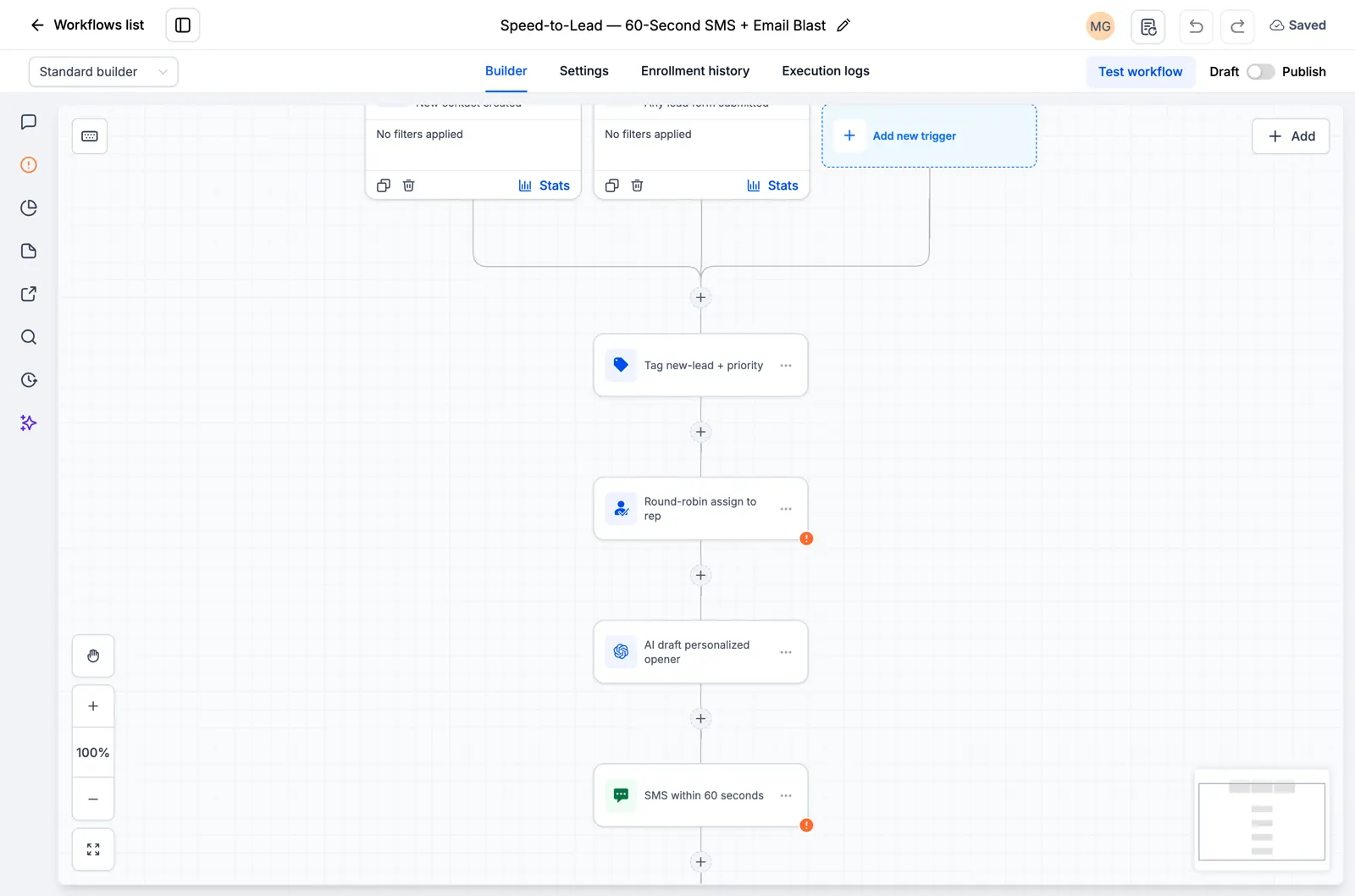
  • GoHighLevel-Workflow mit Lead-Zuweisung und einem SMS-Folgeschritt
    In einem gespeicherten GoHighLevel-Workflow

    Snapshots + Workflows

    Richten Sie Ihre Nachverfolgung schneller ein

    Importieren Sie vorgefertigte GoHighLevel-Setups für Anfragen, Terminerinnerungen und Nachverfolgungen. Fügen Sie Ihre Geschäftsdaten hinzu und testen Sie sie, bevor Sie sie aktivieren.

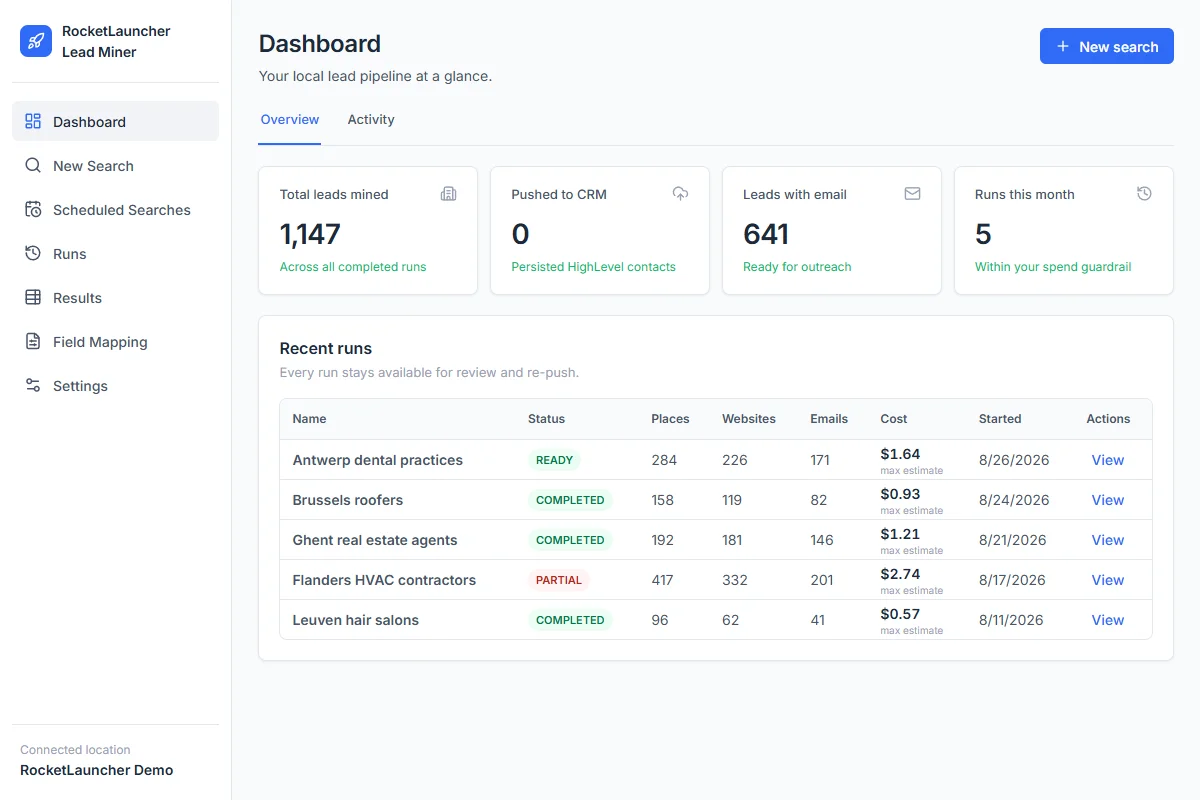
  • RocketLauncher Lead Miner Demo-Dashboard mit lokalen Unternehmenssuchen und Lead-Zählungen
    LeadMiner Arbeitsbereich · Demodaten

    LeadMiner

    Finden Sie Unternehmen, an die Sie verkaufen können

    Suchen Sie auf Google Maps nach lokalen Unternehmen, überprüfen Sie deren Websites und Kontaktdaten und senden Sie dann ausgewählte Leads an GoHighLevel. Finden Sie zum Beispiel Dachdecker, die Ihre Dienste in Anspruch nehmen könnten.

  • Copy Cat GHL-Produktbild: GoHighLevel-Websites und -Trichter kopieren
    CopyCat für GoHighLevel

    CopyCat

    Eine Seite kopieren und an Ihr Unternehmen anpassen.

    Kopieren Sie eine GoHighLevel-Website oder einen Funnel in Ihr eigenes Konto. Ändern Sie das Logo, die Bilder und den Text für Ihr Unternehmen oder Ihren Kunden. Verwenden Sie Seiten, deren Eigentümer Sie sind oder für deren Wiederverwendung Sie die Erlaubnis haben.

  • Plus Tutorials, Community-Hilfe und weitere RocketLauncher-Tools

    Erhalten Sie Hilfe bei der Einrichtung der Tools und der Umsetzung Ihres ausgewählten Snapshots.

Holen Sie sich das Bundle in 3 Schritten

  1. 1.Starten Sie Ihre 30-tägige kostenlose Testversion

    Verwenden Sie unseren GoHighLevel-Link oben, um die 30-Tage-Testversion zu erhalten und sich für alle hier gezeigten kostenlosen Tools zu qualifizieren.

  2. 2.Fordern Sie Ihren Zugang an

    Treten Sie der RocketLauncher-Community bei und fordern Sie Ihren Bundle-Zugang an, nachdem Sie sich über unseren Link angemeldet haben.

  3. 3.Wählen Sie einen Snapshot und installieren Sie ihn

    Rufen Sie den Importlink für einen verfügbaren Snapshot ab. Importieren Sie es in Ihr GoHighLevel-Konto, fügen Sie Ihre Geschäftsdaten hinzu und testen Sie es vor der Aktivierung.

Schon über unseren Link gestartet? Beanspruchen Sie Zugriff

Vorschaupakete werden noch vorbereitet und können noch nicht installiert werden. Überprüfen Sie den Status jedes Pakets, bevor Sie es auswählen.

Partnerlink: Wir erhalten eine Provision, wenn Sie sich anmelden, ohne dass Ihnen zusätzliche Kosten entstehen.